
How to Enroll in Children’s Mercy MyChart
Create your own account first
Go to childrensmercy.org/enrollnow to complete the sign-up form. Important: Use your information, not your child’s.
After you fill out the form, you’ll choose a username and password and accept the Terms and Conditions.
Request proxy access to your child’s account
Parents/guardians of patients under 18
- Log in to your new MyChart account using the username and password you created. You’ll see a Request Proxy Access button near the top of your MyChart homepage.
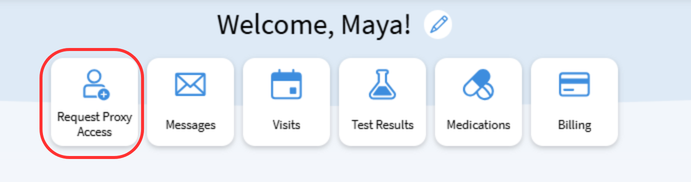
- Request proxy access to your child’s accounts.
- Complete the Request Proxy Access for MyChart form, upload a photo ID and provide your signature.
- If your child is 12 or older, you will also be prompted to give permission for them to access to their own account once they turn 13.
- Children’s Mercy will verify your relationship to the patient as quickly as we can. Thank you for your patience – verification keeps patient information safe!
- We will send you a notification when you’ve been verified.
- Log in to accept the Proxy Access Disclaimer. Click “Review access.” Enter your child’s date of birth and click “I accept…”
- Click on the “Request Proxy Access” button to repeat for all patients you care for.

Parents/guardians of patients 18 and older:
- Go to childrensmercy.org/enrollnow to complete the sign-up form.
- The 18+ patient will need to invite you to access their account.
- We will send you a notification that you are invited to view the patient’s account.
- Log in to accept the Proxy Access Disclaimer. Click “Review access.” Enter your child’s date of birth and click “I accept…”
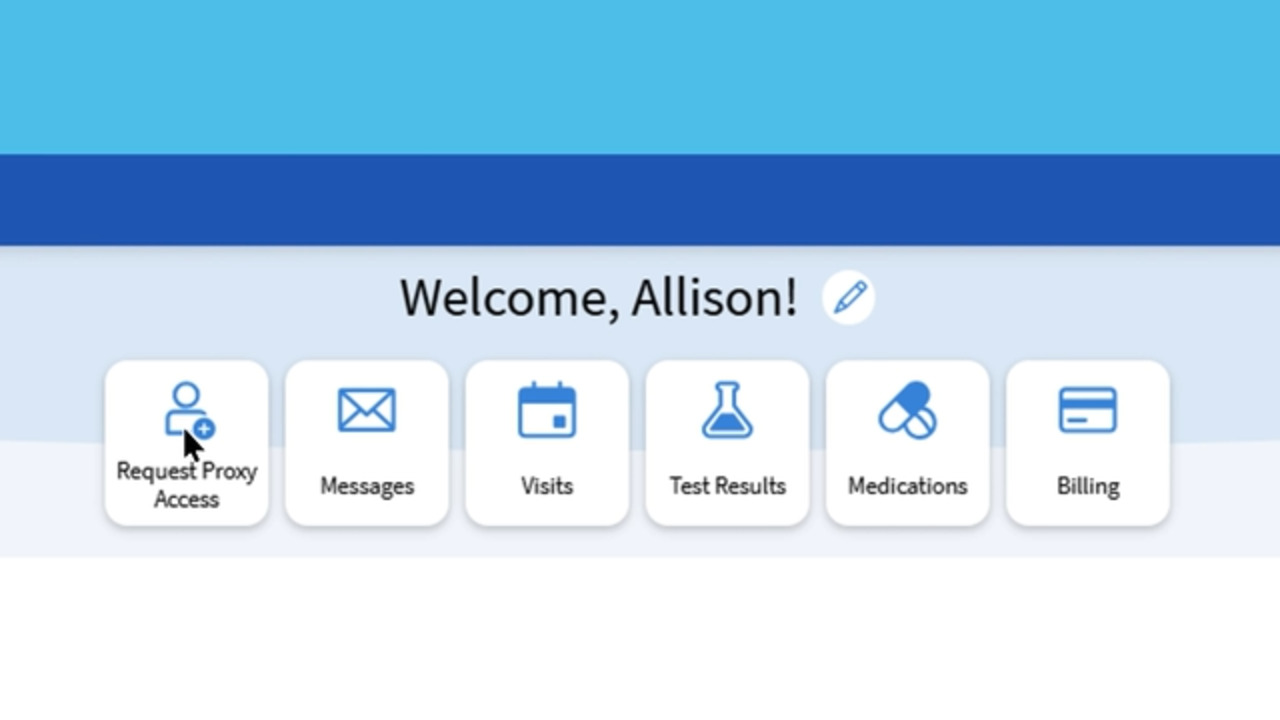
What is proxy access?
MyChart proxy access allows you to securely view and manage your child’s health information in MyChart. With proxy access, you can stay connected to your child’s care team and keep track of the details that matter most — appointments, test results, medications, messages and more — all in one place.
Proxy access helps you:
- Stay informed about your child’s health and upcoming visits
- Communicate easily with your child’s care team
- Manage medications, forms and records from anywhere
If you have proxy access to multiple children, you can easily switch between their records in MyChart.
Enrollment for teens and older patients
Patients 13 or older:
- If your caregiver has given you permission to access your own account, you can enroll at your next Children’s Mercy visit or go to childrensmercy.org/enrollnow to complete the sign-up form.
Patients 18 or older:
- Go to childrensmercy.org/enrollnow to complete the sign-up form. Choose a username and password and accept the Terms and Conditions.
- You can grant your parent/guardian proxy access in your MyChart account.